Environment
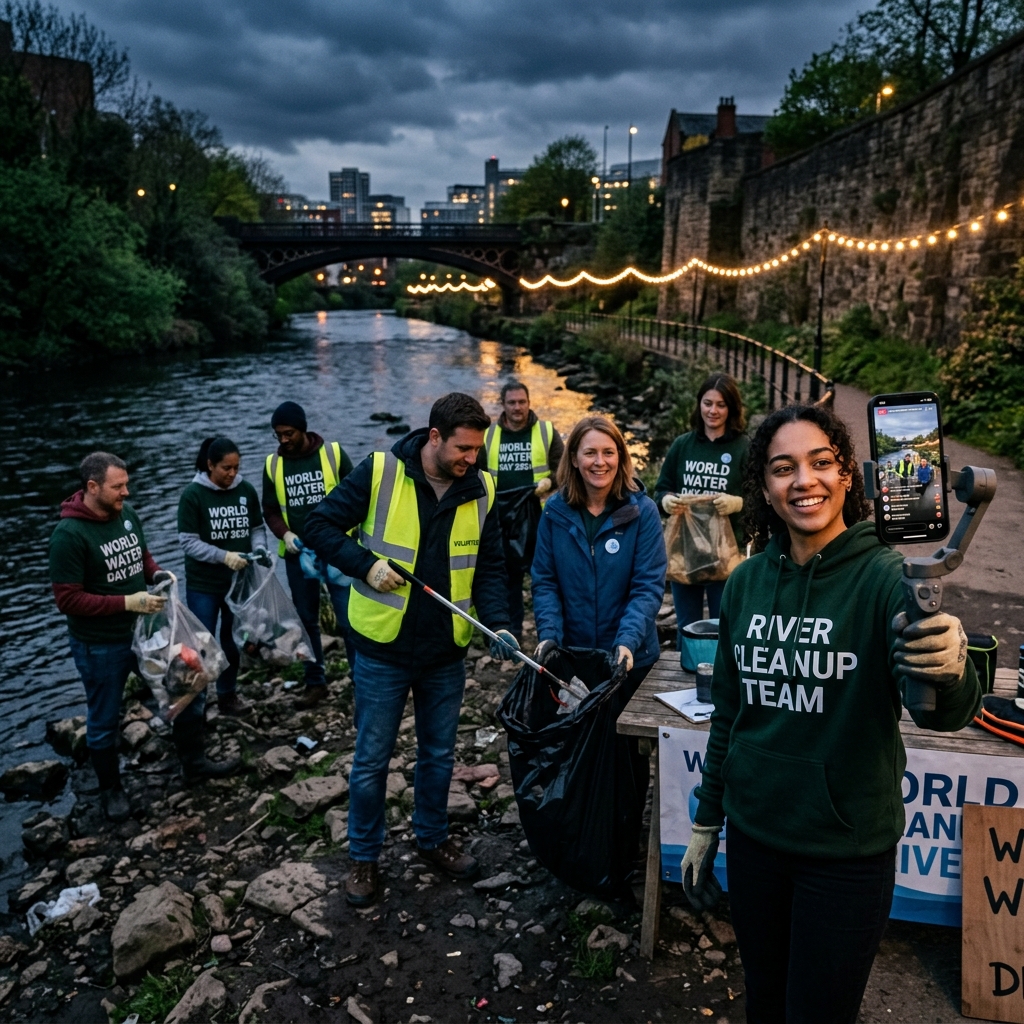
Are Communities Missing Out by Not Live Streaming On World Water Day?
World Water Day reminds us that our water systems are under pressure. Live streaming allows initiatives to be shared as they happen...


Turn your phone into powerful streaming studio. Stream gameplay, IRL, or content with full control over quality, bitrate, and performance — no setup, no limits.
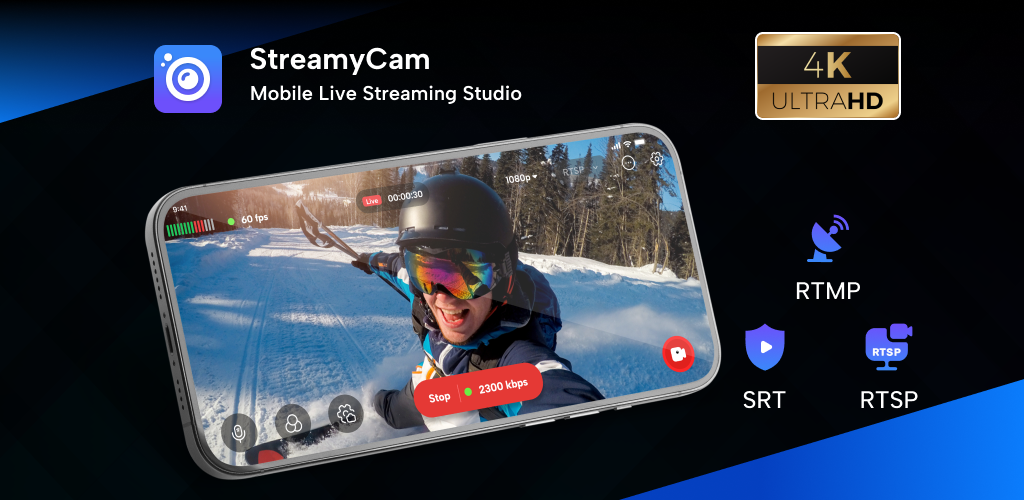
All the tools you need to stream from your phone — with full control, support for your favorite platforms, and no limitations.
Whether you’re streaming gameplay, going IRL, or teaching something — StreamyCam lets you go live your way, with the control and flexibility you need.
While live-streaming, add various overlays such as images, texts, filters, videos, and audios. The time for preparing broadcasts will be reduced! Create professional streams with advanced tools.
Our unique gifting system lets fans support their favorite creators while streamers earn real money. Send beautiful animated gifts and watch your earnings grow!
Go live on your preferred platforms — just add your stream key and start in seconds.
Go live directly from your phone with full control, no PC or extra setup needed.
Share your screen in real time, perfect for gameplay, tutorials, and walkthroughs.
Stream using your phone camera or external camera for IRL content.
Add your stream key and go live instantly on any platform or custom server with full flexibility and control.
STREAMS TO EVERY PLATFORM THAT MATTERS
Powerful tools built for creators who want more. Manage your stream setup, customize performance, and stay in control every moment you go live.
Bring your stream to life by adding images, videos, audio, and logos — all directly from your phone.
Create and store multiple stream setups, so you can switch and go live anytime without reconfiguring.
Want better quality? Connect your webcam or DSLR and stream with a more professional look.
Go live for as long as you want. No interruptions, no forced limits — just continuous streaming.
Need a moment? Instantly hide your screen or sensitive content while staying live and in control.
Fine-tune your stream settings your way — from setup to performance, you’re always in control.
No setup. No technical skills. Just download, connect, and go live in seconds.
Install StreamyCam and open the app to get started.
Choose your streaming method, select your platform, and add your stream key (for RTMP) or complete the required setup to connect.
Select the camera or screen and pick your stream.
Everything’s set. Go live whenever you're ready.
From gaming and tutorials to real-life moments — stream the content you love, the way that fits you best.
Real moments, real vibes
Learn, grow, succeed
Delicious recipes, live
Go live without complications — fast setup, full control, and flexible streaming all in one app.
Go live for as long as you want! No forced limits or unexpected stops.
Stream in up to 4K resolution with smooth 60 FPS and full control over quality settings.
Supports RTMP, SRT, and RTSP for flexible and reliable streaming setups.
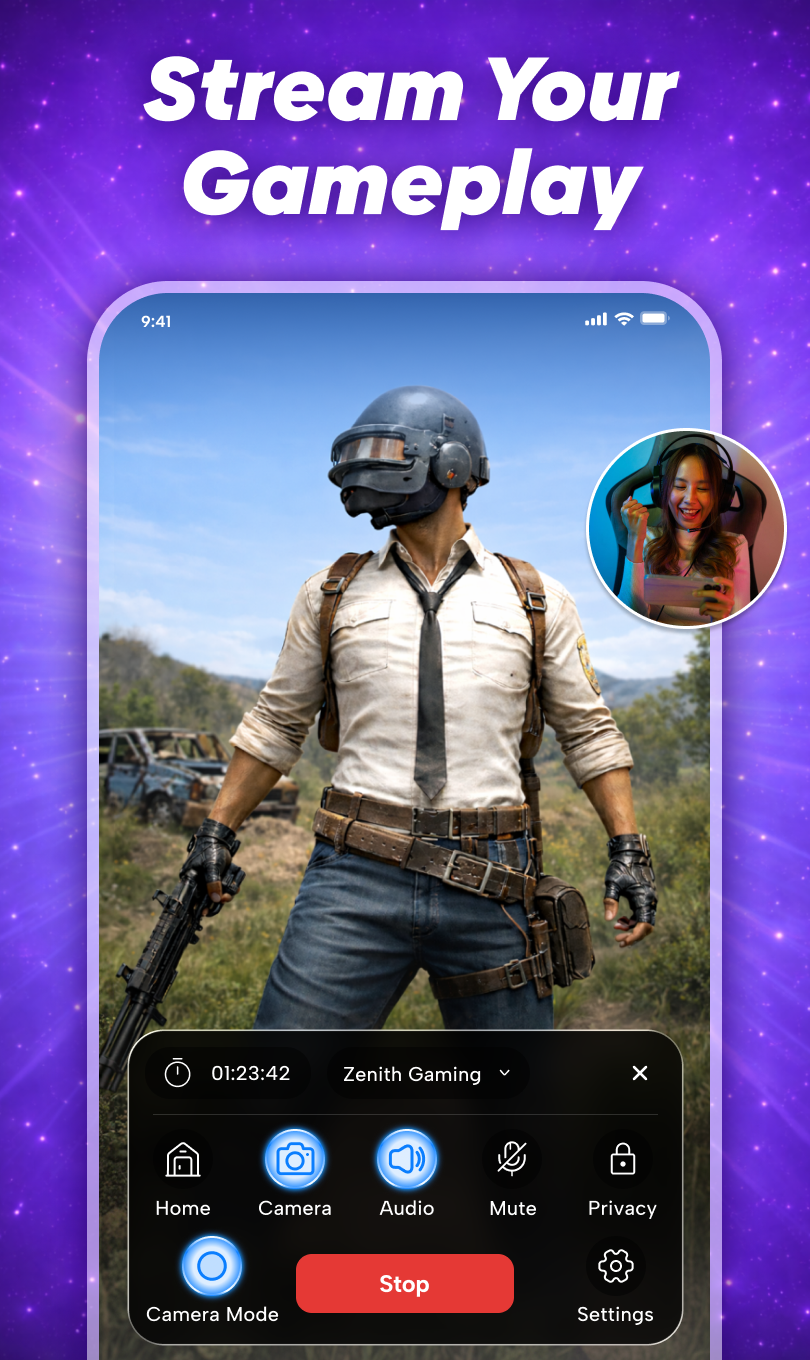
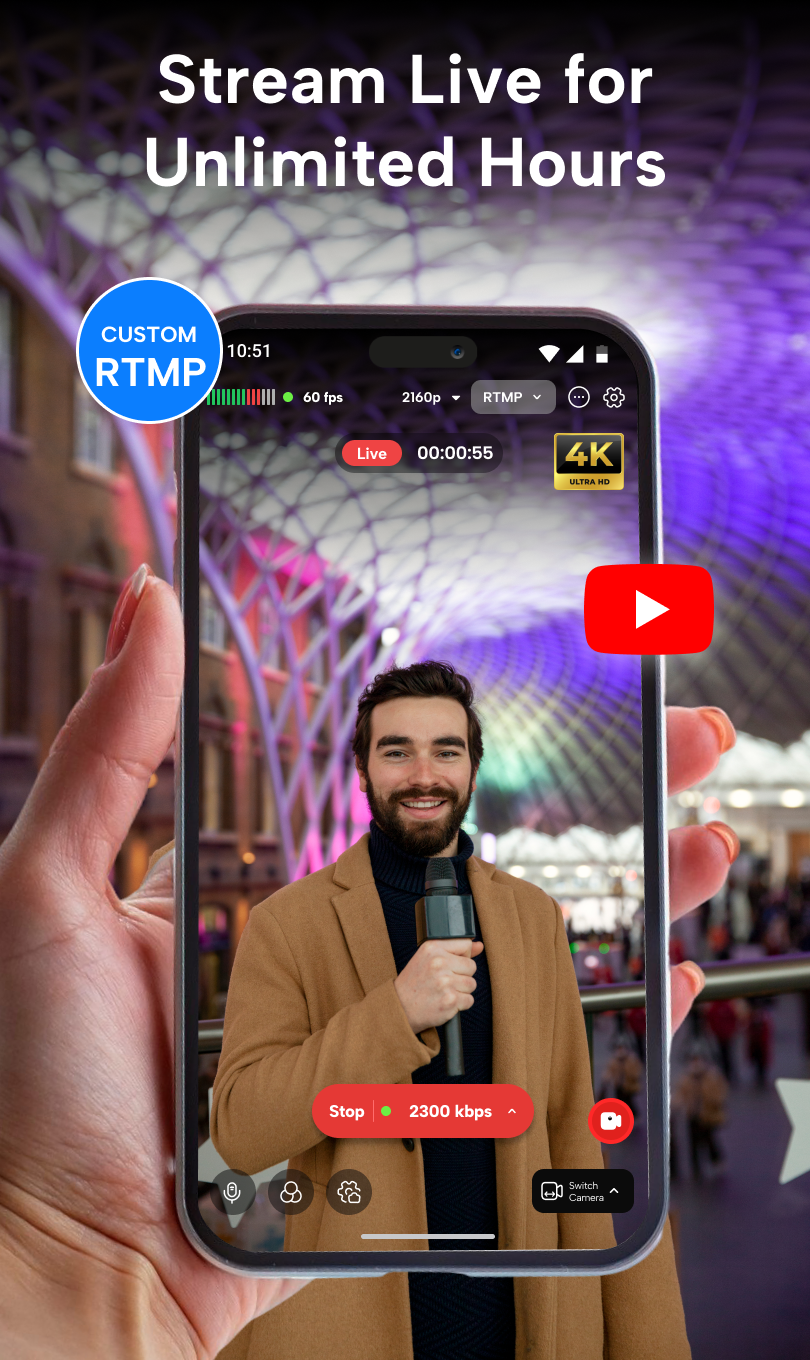
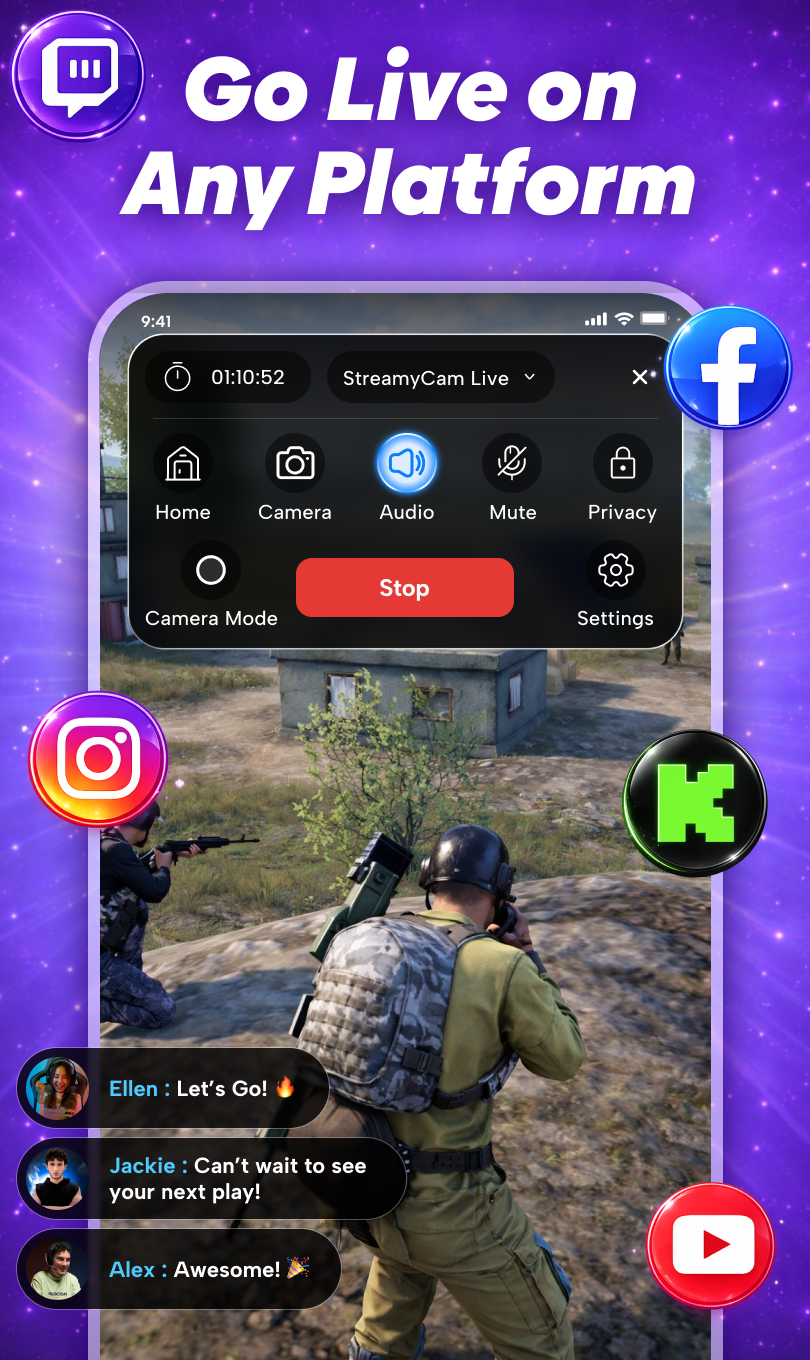
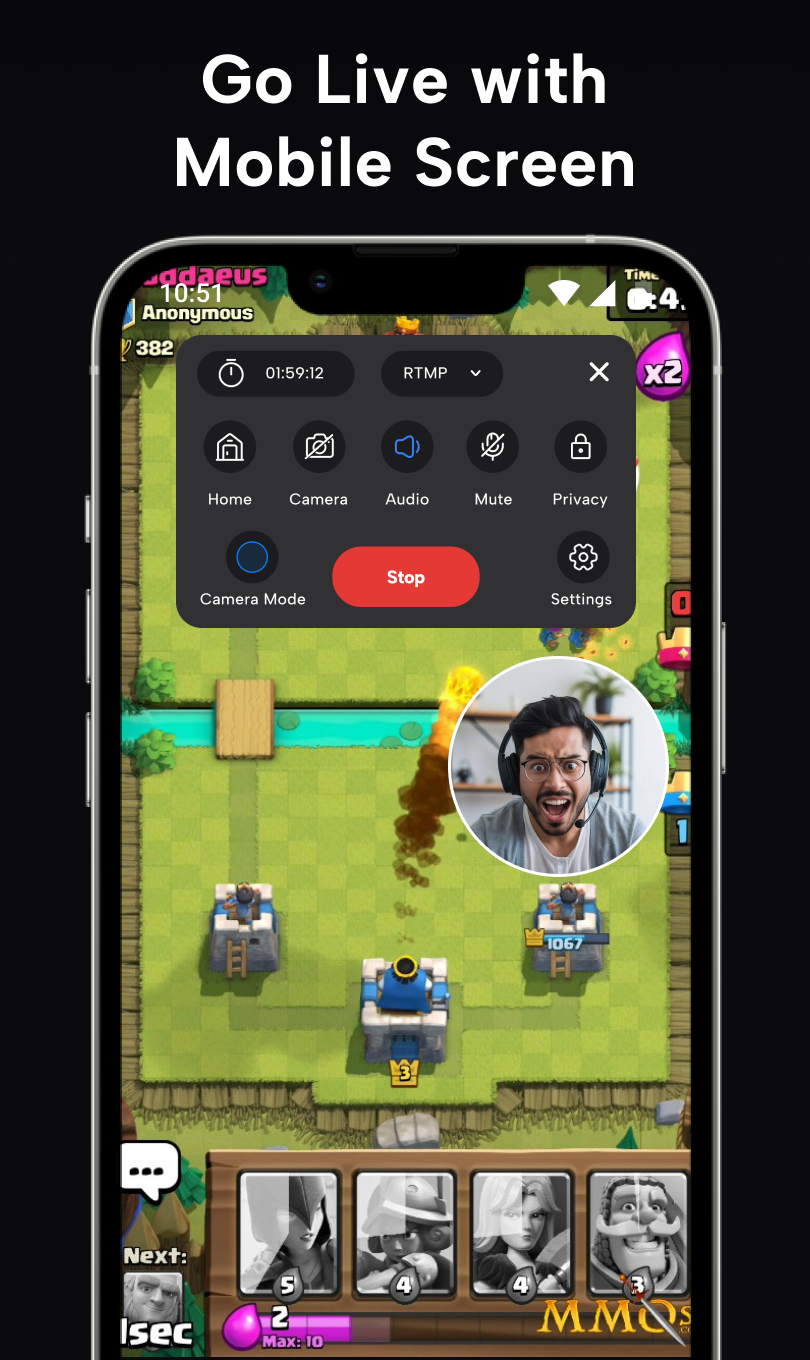
Go live from your phone with full quality control. Stream to any platform using RTMP, SRT or RTSP. Everything you need to stream — right from your phone.
– Consider New Reviews –
"StreamyCam made mobile streaming much easier for me. Setting up RTMP was quick, and after that everything worked smoothly. The stream quality is good and I like having control over bitrate and settings. It’s the best app that actually does what it promises."

Content Creator, 150K Followers
"The app is clean and works well for streaming from the phone. I mainly use it for screen streaming and it runs stable without major issues."

Gaming Streamer
"I like the level of control it gives over bitrate and stream quality. It’s a solid option if you want more control while streaming from your phone."

Viewer & Supporter
Everything you need to know before going live.
Tips, updates, and guides to help you stream better with StreamyCam.
World Water Day reminds us that our water systems are under pressure. Live streaming allows initiatives to be shared as they happen...
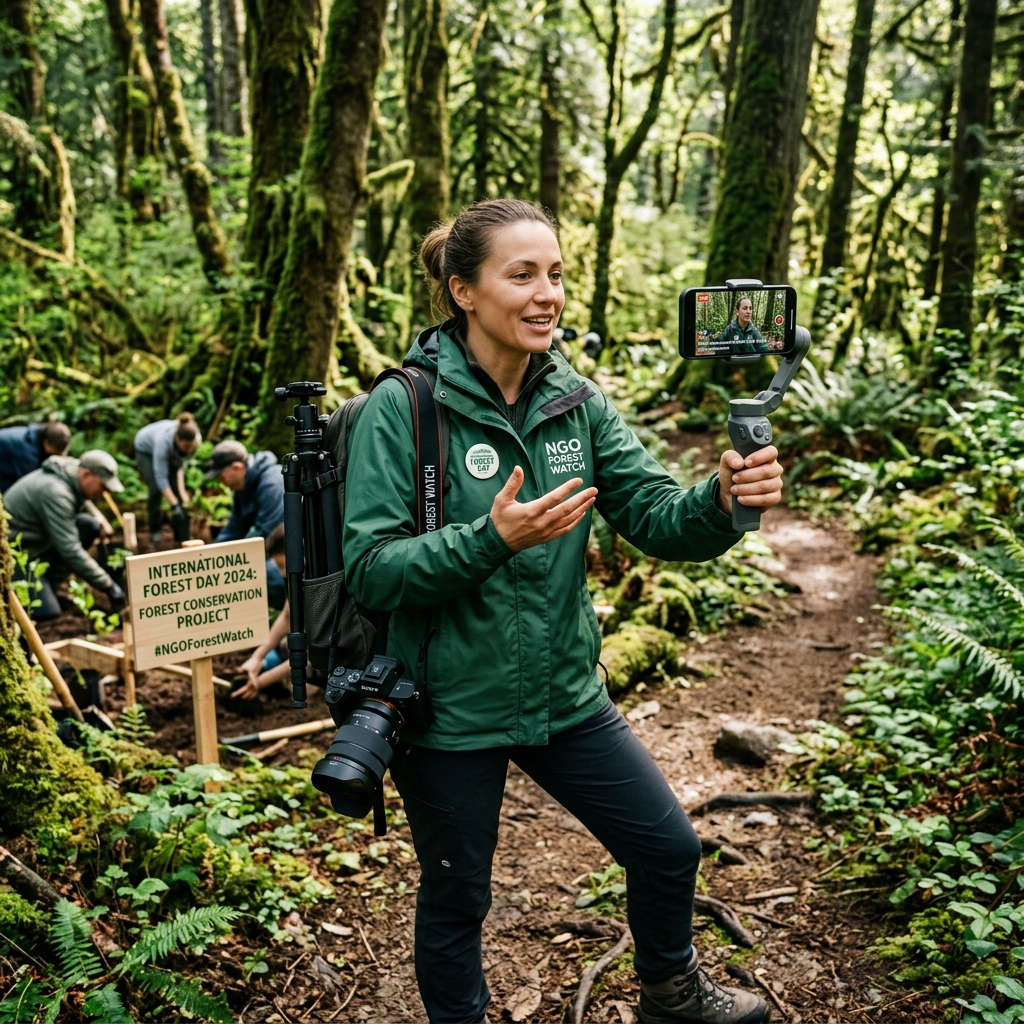
Working in remote forests comes with challenges. StreamyCam simplifies the process of broadcasting conservation efforts...

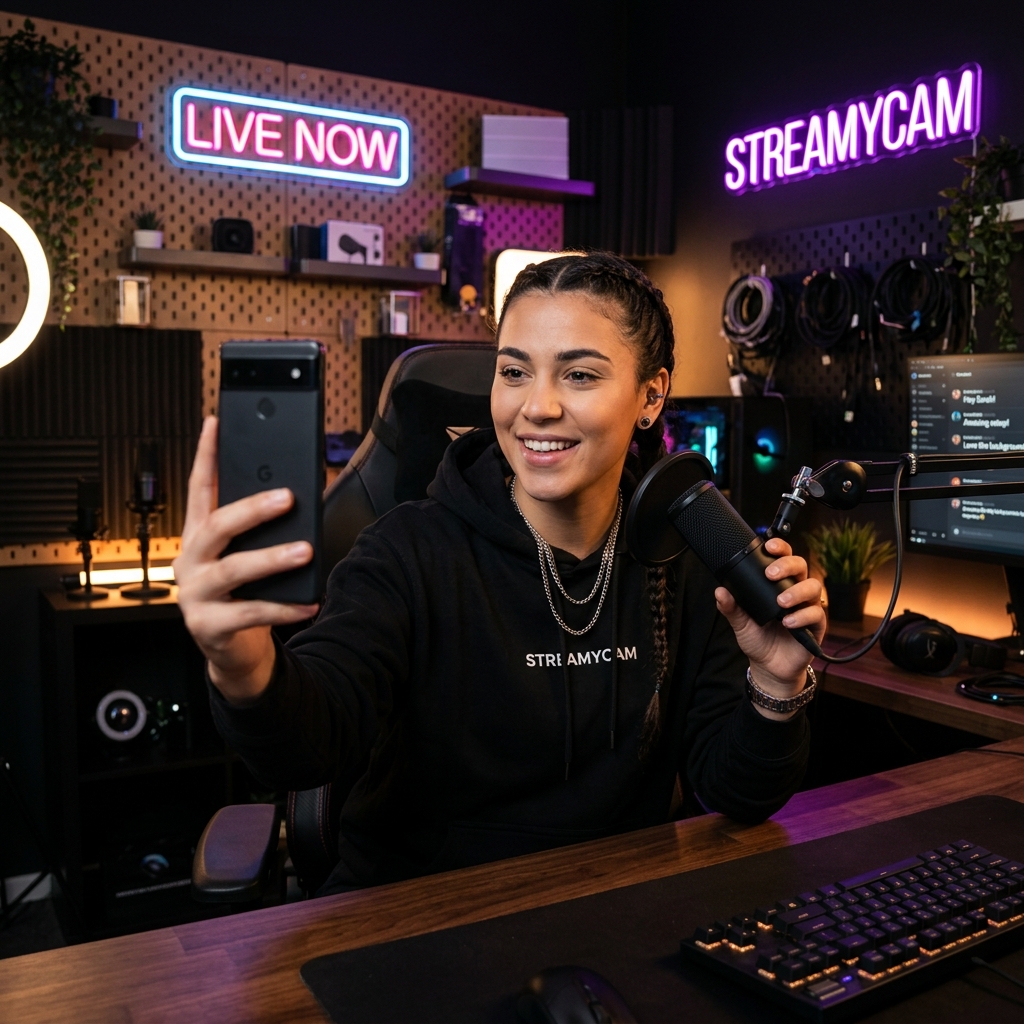
Live streaming is no longer limited to studios. Today, creators go live from their phones effortlessly with StreamyCam.

Have questions? We'd love to hear from you. Send us a message and we'll respond as soon as possible.
Whether you're a creator looking for support, a brand interested in partnerships, or just want to say hello - we're here for you!
Gujarat, India
Mon-Fri, 9AM To 6:30PM
+91 94996-35045
support[at]streamycamapp[dot]com
Fill out the form below and we'll get back to you within 24 hours.
Join millions of creators and viewers. Download StreamyCam now and start your journey to stardom!